

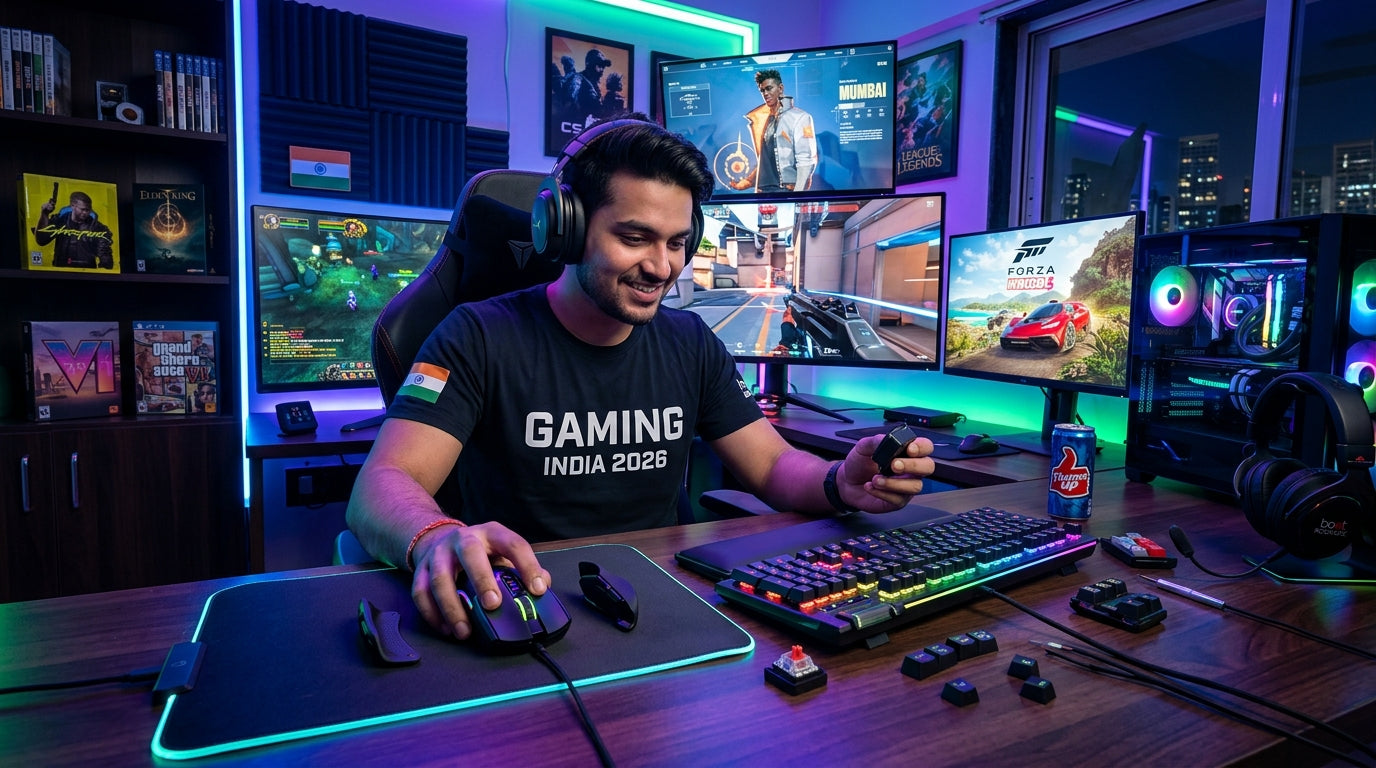
The Indian gaming market is booming, bringing in a diverse wave of PC gamers with varied tastes and preferences. To truly master your favorite titles and explore new genres, understanding how to adapt your essential peripherals is key. This guide will help you fine-tune your keyboard, mouse, and headphones to suit every game and playstyle, ensuring maximum enjoyment and performance from your VerityVerse gear.
Keyboard Customization for Genre Hopping
- Keybinds & Macros: Remap keys for optimal reach in fast-paced FPS games; create complex macros for MMORPGs or RTS titles to execute multiple actions with a single press.
- Switch Types: Understand if your switches (e.g., linear for quick, repeated presses in action games; tactile for deliberate keystrokes in strategy games) align with your primary genre, or adapt your playstyle.
- Layout Preference: Utilize full-size keyboards for games requiring numpad access or dedicated media controls, or opt for compact layouts to maximize mouse movement space in competitive shooters.
- Anti-Ghosting & N-Key Rollover: Ensure your keyboard supports these features for flawless input, preventing missed commands during intense gaming sessions.
- Software Profiles: Save different keybinding and lighting profiles for specific games, switching effortlessly between your CS:GO setup and your Witcher 3 immersion.
- Dedicated Controls: Leverage dedicated volume knobs or multimedia keys for on-the-fly audio adjustments without interrupting gameplay.
Mouse Mastery: Precision & Agility Across Games
- DPI/CPI Adjustment: Lower DPI for precise aiming in FPS games (sniping), higher DPI for quick camera turns or navigating large UIs in strategy games or MOBAs.
- Polling Rate: Set to maximum (e.g., 1000Hz) for minimal input lag in competitive titles, ensuring every movement is registered instantly.
- Button Mapping: Assign utility spells, grenades, or quick weapon swaps to side buttons for rapid access, freeing up keyboard hand for movement.
- Grip Style Adaptation: Experiment with palm, claw, or fingertip grips to find what offers the best control and comfort for a particular game or playstyle.
- Mouse Sensitivity: Fine-tune in-game sensitivity alongside DPI for a perfect balance that feels natural and responsive for each title.
- Weight Adjustment: Some mice offer adjustable weights; heavier for stable tracking, lighter for swift, agile movements.
Headset & Audio: Immerse, Communicate, Dominate
- Positional Audio: Enable virtual surround sound (if available) for crucial enemy footsteps and directional cues in competitive shooters.
- Microphone Clarity: Adjust mic sensitivity and ensure noise cancellation is active for clear communication with teammates in intense multiplayer matches.
- Sound Profiles: Switch between game-specific EQ presets (e.g., bass boost for explosions in action games, treble boost for footsteps in tactical shooters).
- Comfort for Long Sessions: Prioritize lightweight designs and breathable earcups for extended RPG or MMORPG grinding sessions.
- Volume Control: Utilize on-headset or in-line controls for quick audio adjustments without alt-tabbing.
- Communication Software: Integrate your headset with Discord, TeamSpeak, or in-game voice chat, optimizing settings for clear team calls.
Optimizing Peripherals for Specific Game Genres
- First-Person Shooters (FPS) / Battle Royale: Low mouse DPI, high polling rate, precise keybinds for weapon swaps/abilities, clear positional audio, crisp mic for callouts.
- Role-Playing Games (RPG) / Massively Multiplayer Online (MMO): Macros for complex spell rotations, comfortable keyboard with palm rest, high-DPI mouse for exploration/looting, immersive soundscapes.
- Real-Time Strategy (RTS) / Multiplayer Online Battle Arena (MOBA): Quick access keybinds for abilities, precise mouse clicks for unit selection/movement, clear comms for strategy coordination.
- Simulation / Racing Games: Focus on immersion with rich audio, comfortable peripherals for long sessions, dedicated controls mapped to easily accessible keys/buttons.
- Adventure / Platformers: Responsive keyboard for precise jumps and movements, comfortable headset for story immersion, general-purpose mouse settings.
- Casual / Indie Games: Prioritize comfort and aesthetic, allowing for a relaxed and enjoyable experience without highly optimized settings.
Top Recommended Picks

Keyboard
- 96% compact layout with numpad
- 18+ RGB lighting modes
- software macro customization
- multimedia knob
- high-grade ABS build
- multi-device switching
- software downloadable

Keyboard
- 104-key full-size
- 26-key anti-ghosting + N-Key rollover
- RGB rainbow + side lights
- dedicated volume knob
- magnetic palm rest
- detachable braided Type-C cable
- dedicated ₹ key
- double-shot keycaps
- 1-year warranty

Keyboard
- RGB backlight
- compact gaming layout
- anti-ghosting
- side light strips
Final Thoughts
The dynamic Indian gaming landscape demands adaptable gear. By understanding your peripherals' features and fine-tuning them for each game and playstyle, you unlock their full potential. Experiment with settings, create profiles, and personalize your setup to enhance your gaming experience, whether you're navigating ancient ruins in an RPG or landing headshots in a competitive shooter. Invest in versatile gear from VerityVerse and master every virtual world that awaits you!
Share:
Invest Smart, Game Hard: Essential Peripherals for Indian PC Gamers (2026)
Your Gaming, Your Way: Customizing Peripherals for Comfort, Style & Immersion in India (2026)