

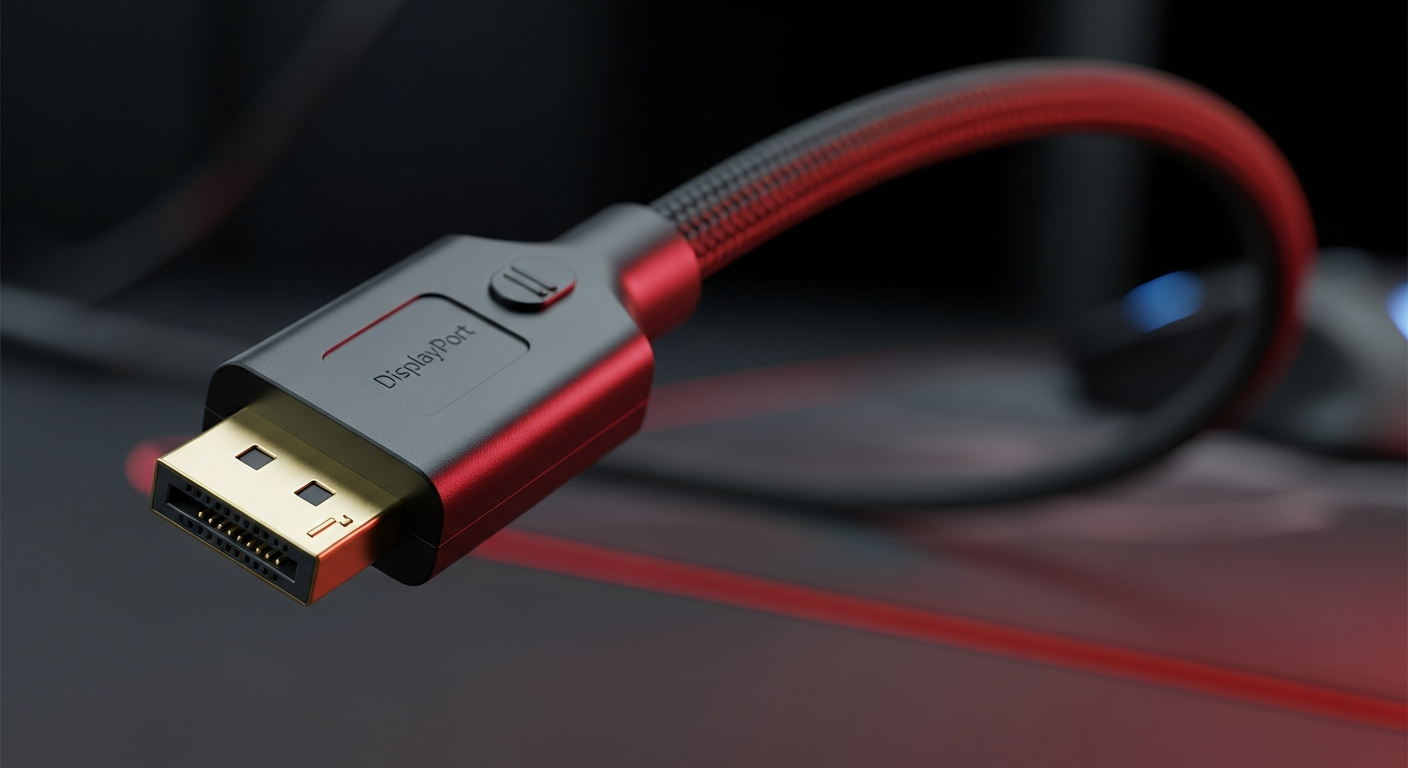
Understanding and managing your display cables is crucial for maximizing gaming performance and desk aesthetics; innovations like integrated cable management in monitor arms highlight the growing importance of a clean, efficient setup.
Table of Contents
Often an afterthought, the display cable is arguably one of the most critical links in your gaming chain, directly influencing visual fidelity and refresh rates. As modern setups demand more, from high-performance connectivity to immaculate cable management exemplified by new gaming monitor arms, selecting and organizing your display cables has never been more important.
Why Your Display Cable is the Unsung Hero of Gaming
The quality and type of display cable you use directly dictate the visual performance transmitted from your graphics card to your monitor. It's the silent workhorse ensuring your high-refresh-rate, high-resolution gaming experience is truly delivered.
- Resolution & Refresh Rate: Essential for transmitting high resolutions (4K, 8K) and fast refresh rates (144Hz, 240Hz+) without compromise.
- Visual Fidelity: Impacts color depth, HDR support, and overall image clarity, preventing artifacts or dropped frames.
- Latency: A poor-quality or incompatible cable can introduce micro-latencies, affecting competitive play.
- Adaptive Sync: Crucial for FreeSync and G-Sync to function seamlessly, eliminating screen tearing and stutter.
- Future-Proofing: Choosing newer standards ensures compatibility with upcoming monitors and GPUs.
Decoding Display Cables: HDMI, DisplayPort, and USB-C
Navigating the world of display cables can be daunting, but understanding the primary options will empower you to make the best choice for your gaming rig.
- HDMI (High-Definition Multimedia Interface): Widely compatible, excellent for TVs and consoles; HDMI 2.1 supports 4K@120Hz/8K@60Hz with HDR, making it viable for PC gaming.
- DisplayPort (DP): The PC gaming standard, DP 1.4 supports 4K@120Hz/8K@30Hz; DP 2.0/2.1 offers significantly higher bandwidth for future high-resolution, high-refresh displays.
- USB-C (Alt Mode): Increasingly common, especially on laptops and portable monitors, offering DisplayPort Alternate Mode for video alongside power and data in one cable.
- DVI (Digital Visual Interface): Older standard, mostly phased out; dual-link DVI still supports 144Hz at 1080p but lacks audio and advanced features.
- VGA (Video Graphics Array): Analog-only, obsolete for modern gaming; avoid for any high-performance setup.
Beyond the Connection: Smart Display Cable Management
Even the best display cable can contribute to a messy setup if not managed properly. Effective cable routing enhances aesthetics, ergonomics, and desk space – a feature expertly addressed by modern gaming peripherals like MSI's new monitor arms.
- Enhanced Aesthetics: Tames the "cable spaghetti," creating a clean, professional, and visually appealing gaming station.
- Ergonomics & Space: Frees up crucial desk space, allowing for wider mouse movements (low-DPI gaming) and better peripheral placement, much like the extra room gained with monitor arm mounts.
- Protection & Longevity: Prevents kinks, twists, and accidental disconnections, extending the life of your cables and ports.
- Improved Airflow: Reduces cable bundles that can obstruct airflow around components, potentially aiding in cooling.
- Integrated Solutions: Many gaming peripherals, such as the MSI MPG MT201RG and MPG MT201DRG monitor arms, include built-in cable management channels to simplify organization.
The Innovation Pipeline: What's Next for Display Connectivity
While the immediate focus is on current cable standards, the underlying industry is continuously pushing boundaries. Global events like Wire & Tube China highlight the broader advancements in manufacturing that will eventually impact the quality and capabilities of our display cables.
- Higher Bandwidth: Future cables will support even higher resolutions and refresh rates, preparing for next-gen displays and immersive VR experiences.
- Optical Solutions: Fiber optic display cables enable extremely long runs without signal degradation, crucial for large or complex setups.
- Integrated Smart Features: Expect smarter, potentially self-monitoring cables that communicate health or performance data directly to your system.
- Sustainable Manufacturing: Increased focus on eco-friendly materials and production processes within the cable industry ensures a greener future for gaming hardware.
- Universal Standards: Ongoing efforts aim for more unified and versatile single-cable solutions for all data, power, and display needs, simplifying connectivity.
Frequently Asked Questions
+ Is an expensive display cable really necessary for gaming?
Not always. For most users, a certified, high-quality cable meeting the latest standard (e.g., HDMI 2.1, DisplayPort 1.4/2.0) is sufficient. Avoid ultra-cheap cables that might fail certification, but ultra-expensive ones offer diminishing returns unless for very specific, long-distance, or high-noise environments.
+ What's the best display cable for competitive gaming?
DisplayPort is generally preferred for competitive PC gaming due to its native support for high refresh rates, Adaptive Sync technologies (like G-Sync), and robust bandwidth. HDMI 2.1 is a strong contender for newer monitors, especially if you also game on consoles.
Final Thoughts
Don't let a subpar display cable bottleneck your gaming experience. Investing in the right cable and adopting smart management practices are simple yet powerful upgrades that ensure your setup delivers the stunning visuals and performance you expect.
Share:
Beyond the Hardware: The Ultimate Guide to Perfecting Your Aim with Mousepads, Sensors & Settings for Indian Gamers
Beyond Actuation: Mastering Rapid Trigger & Advanced Software for Competitive Keyboards in India (2026)