

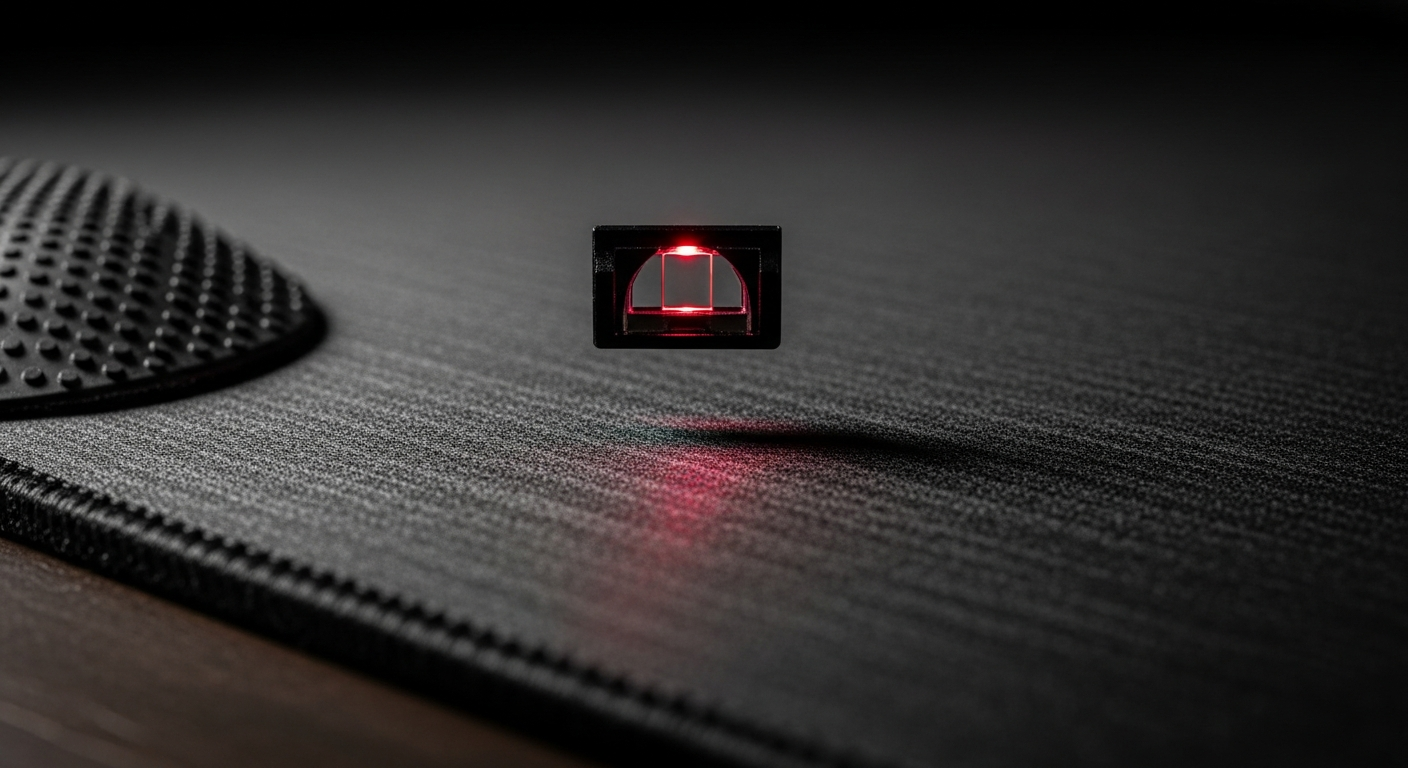
Achieving peak aim requires harmonizing your gaming mouse's sensor, the friction of your mousepad, and precise in-game sensitivity settings. For reliable, consistent competitive performance, the `Awaken RGB Wired Gaming Mouse (Black)` is an excellent choice due to its zero-latency wired connection and precise optical sensor, ensuring consistent pixel-perfect tracking. For gamers seeking flexibility without sacrificing competitive edge, the `Rest Wireless Gaming Mouse (Black)` offers great wireless responsiveness and a capable sensor at a slightly more accessible price point, providing freedom while maintaining accuracy.
Table of Contents
- 1. The Heart of Precision: Understanding Your Gaming Mouse Sensor
- 2. The Unsung Hero: Choosing Your Gaming Mousepad
- 3. Mastering the Settings: DPI & In-Game Sensitivity
- 4. The Synergy Sweet Spot: Harmonizing Your Setup
- 5. Quick Comparison
- 6. Top Recommended Picks
- - Awaken RGB Wired Gaming Mouse (White)
- - Awaken RGB Wired Gaming Mouse (Black)
- - Rest Wireless Gaming Mouse (White)
- - Rest Wireless Gaming Mouse (Black)
- 7. Frequently Asked Questions
In the intense world of competitive PC gaming, particularly in India's booming FPS scene, every millisecond and pixel counts. While a high-quality gaming mouse is foundational, true mastery of aim comes from understanding the synergy between your mouse, its surface, and your software settings. This guide from VerityVerse will walk you through optimizing these crucial elements to unlock your peak performance.
The Heart of Precision: Understanding Your Gaming Mouse Sensor
- DPI (Dots Per Inch): Measures how many pixels your cursor moves per inch of mouse movement. Higher DPI doesn't necessarily mean better; focus on your mouse's native DPI.
- IPS (Inches Per Second): Indicates the maximum speed your mouse can track accurately before spinning out. Higher IPS is crucial for low-sensitivity players who make large, fast swipes.
- Polling Rate: How often your mouse reports its position to your PC (e.g., 1000Hz = 1000 reports per second). Higher polling rates reduce input lag for smoother, more responsive tracking.
- Acceleration/Deceleration: Hardware or software-based changes in sensitivity based on mouse speed. Disable this in both mouse software and OS for consistent, raw input.
- Sensor Quality: Look for mice with accurate optical sensors (e.g., VerityVerse's precise optical sensors) that offer true 1:1 tracking without prediction or smoothing, vital for competitive play.
- Lift-Off Distance (LOD): How high you can lift your mouse before the sensor stops tracking. A low LOD prevents unwanted cursor movement when repositioning the mouse.
The Unsung Hero: Choosing Your Gaming Mousepad
- Control Pads (High Friction): Made from denser cloth, offering more resistance for precise, small adjustments. Ideal for high-DPI, wrist-aiming players or those who need extreme accuracy.
- Speed Pads (Low Friction): Typically smoother, often hybrid materials or hard surfaces, allowing for rapid, expansive movements. Best for low-DPI, arm-aiming players requiring quick flicks.
- Hybrid Pads: Offer a balance between speed and control, suitable for a wider range of playstyles and often a good starting point for competitive players.
- Size Matters: Invest in a large mousepad (XL or XXL) to accommodate broad arm movements, especially if you play on low sensitivity. No gamer wants to run out of mousepad mid-clutch!
- Base Material: A non-slip rubber base is essential to prevent the mousepad from shifting during intense gameplay, ensuring consistent tracking.
- Stitched Edges: Prevents fraying and increases the durability of your mousepad, a worthwhile feature for longevity.
Mastering the Settings: DPI & In-Game Sensitivity
- Native DPI is Key: Always use your mouse's native DPI (often around 400, 800, or 1600) and adjust sensitivity in-game, as this minimizes sensor interpolation and maximizes accuracy.
- Windows Pointer Speed: Set this to the 6th notch (default) in Windows settings and disable 'Enhance pointer precision' for raw input. This ensures your mouse movements are not altered by the OS.
- eDPI (Effective DPI): Your actual sensitivity, calculated as (Mouse DPI) x (In-Game Sensitivity). A lower eDPI (e.g., 400-1200 for FPS) often equates to more precise aim, favoring arm movements.
- Finding Your Sweet Spot: Experiment in training ranges or dedicated aim trainers. Start with a commonly recommended eDPI for your game and adjust gradually until it feels natural.
- Consistency is Crucial: Once you find a comfortable eDPI, stick with it across all games. Muscle memory builds with consistent settings, directly improving your aim.
- Game-Specific Settings: Many games offer advanced sensitivity options like zoom sensitivity, scope multipliers, and raw input toggles. Understand and optimize these for your playstyle.
The Synergy Sweet Spot: Harmonizing Your Setup
- Match Mousepad to Sensitivity: Low eDPI players benefit from speed pads for broad movements, while high eDPI players might prefer control pads for micro-adjustments.
- Grip Style & Mouse Choice: Ensure your mouse fits your grip (palm, claw, fingertip). An ergonomic mouse, like VerityVerse's Awaken or Rest series, reduces fatigue during long sessions.
- Arm vs. Wrist Aim: Understand your primary aiming style. Arm aimers need large pads and lower eDPI. Wrist aimers can use smaller pads and higher eDPI, but often lack precision in wide movements.
- Practice with Intention: Use aim trainers (Kovaak's, Aim Lab) or game-specific training modes to consistently reinforce muscle memory with your optimized setup.
- Monitor Refresh Rate: A high refresh rate monitor (144Hz+) makes mouse movements feel smoother and more responsive, allowing your precise aim to translate better on screen.
- Regular Maintenance: Keep your mouse sensor clean and your mousepad free from dust and debris to ensure consistent tracking. Even a small speck can impact performance.
Quick Comparison
| product name | connectivity type | key features | price tier |
|---|---|---|---|
| Awaken RGB Wired Gaming Mouse (White) | Wired (USB) | RGB lighting, ergonomic design, precise optical sensor | Budget-Friendly |
| Awaken RGB Wired Gaming Mouse (Black) | Wired (USB) | RGB lighting, ergonomic design, precise optical sensor | Budget-Friendly |
| Rest Wireless Gaming Mouse (White) | Wireless | Wireless connectivity, ergonomic shape, RGB accents, lightweight | Budget-Friendly |
| Rest Wireless Gaming Mouse (Black) | Wireless | Wireless connectivity, ergonomic shape, RGB accents, lightweight | Budget-Friendly |
Featured Recommendations
Awaken RGB Wired Gaming Mouse (White) — ₹999
For unwavering competitive consistency, the Awaken RGB Wired Gaming Mouse (White) offers a reliable, lag-free experience. Its precise optical sensor ensures every movement translates accurately, vital for peak aim performance.

- Wired (USB) Connectivity
- RGB Lighting
- Ergonomic Design
- Precise Optical Sensor
Awaken RGB Wired Gaming Mouse (Black) — ₹999
The Awaken RGB Wired Gaming Mouse (Black) is built for competitive reliability, delivering consistent, pixel-perfect tracking crucial for intense FPS engagements. Its ergonomic form supports extended gaming sessions without discomfort.

- Wired (USB) Connectivity
- RGB Lighting
- Ergonomic Design
- Precise Optical Sensor
Rest Wireless Gaming Mouse (White) — ₹949
Experience the freedom of untethered gaming with the Rest Wireless Gaming Mouse (White). Its responsive wireless connectivity and precise sensor provide excellent accuracy, allowing for fluid aim and a clutter-free setup.

- Wireless Connectivity
- Ergonomic Shape
- RGB Accents
- Lightweight Design
Rest Wireless Gaming Mouse (Black) — ₹949
The Rest Wireless Gaming Mouse (Black) combines the flexibility of wireless with the precision needed for competitive play. Its lightweight, ergonomic design and responsive sensor help maintain control and comfort through long gaming marathons.

- Wireless Connectivity
- Ergonomic Shape
- RGB Accents
- Lightweight Design
Frequently Asked Questions
+ What is eDPI and why is it important?
eDPI (Effective DPI) is your mouse's DPI multiplied by your in-game sensitivity. It's crucial because it represents your actual sensitivity in-game, allowing you to compare and standardize settings across different games and mice. A consistent eDPI helps build muscle memory for better aim.
+ Should I use a control or speed mousepad for competitive FPS games in India?
It depends on your playstyle and eDPI. If you use a low eDPI and make large arm movements, a speed pad can help with quick flicks. If you prefer higher eDPI with wrist movements and need micro-adjustments, a control pad offers better precision. Experiment to find what feels best.
+ Is a wired or wireless mouse better for competitive gaming?
Historically, wired mice like the Awaken series were preferred for zero latency. However, modern wireless mice like the Rest series offer extremely low latency, making them viable for competitive play, especially for those who prefer an uncluttered setup and freedom of movement.
+ How do I avoid mouse acceleration in Windows?
To ensure raw input, set your 'Pointer speed' in Windows mouse settings to the 6th notch from the left and uncheck 'Enhance pointer precision'. Always disable any mouse acceleration features in your gaming mouse software as well.
+ Can aim training truly improve my competitive performance?
Absolutely! Dedicated aim trainers like Kovaak's or Aim Lab, or even in-game practice ranges, help build muscle memory, improve reaction time, and refine precision. Consistent practice, especially with your optimized mouse, mousepad, and sensitivity settings, is key.
Our Verdict
For Indian gamers prioritizing absolute consistency and zero latency for competitive FPS, the `Awaken RGB Wired Gaming Mouse` is the optimal choice. If freedom from cables and a slightly lighter price tag are important without sacrificing competitive performance, the `Rest Wireless Gaming Mouse` provides an excellent untethered experience.
Final Thoughts
Optimizing your gaming mouse, mousepad, and sensitivity settings is a holistic journey towards peak competitive performance. By understanding the intricate relationship between these elements, Indian gamers can fine-tune their setup for unmatched aim and control. Explore the VerityVerse range to find the perfect mouse to begin your precision journey.
Share:
Unleash Blazing Speed: The Ultimate Guide to Magnetic Switch Keyboards for Indian Gamers
Display Cable Guide: Optimize Your Gaming Visuals & Setup