

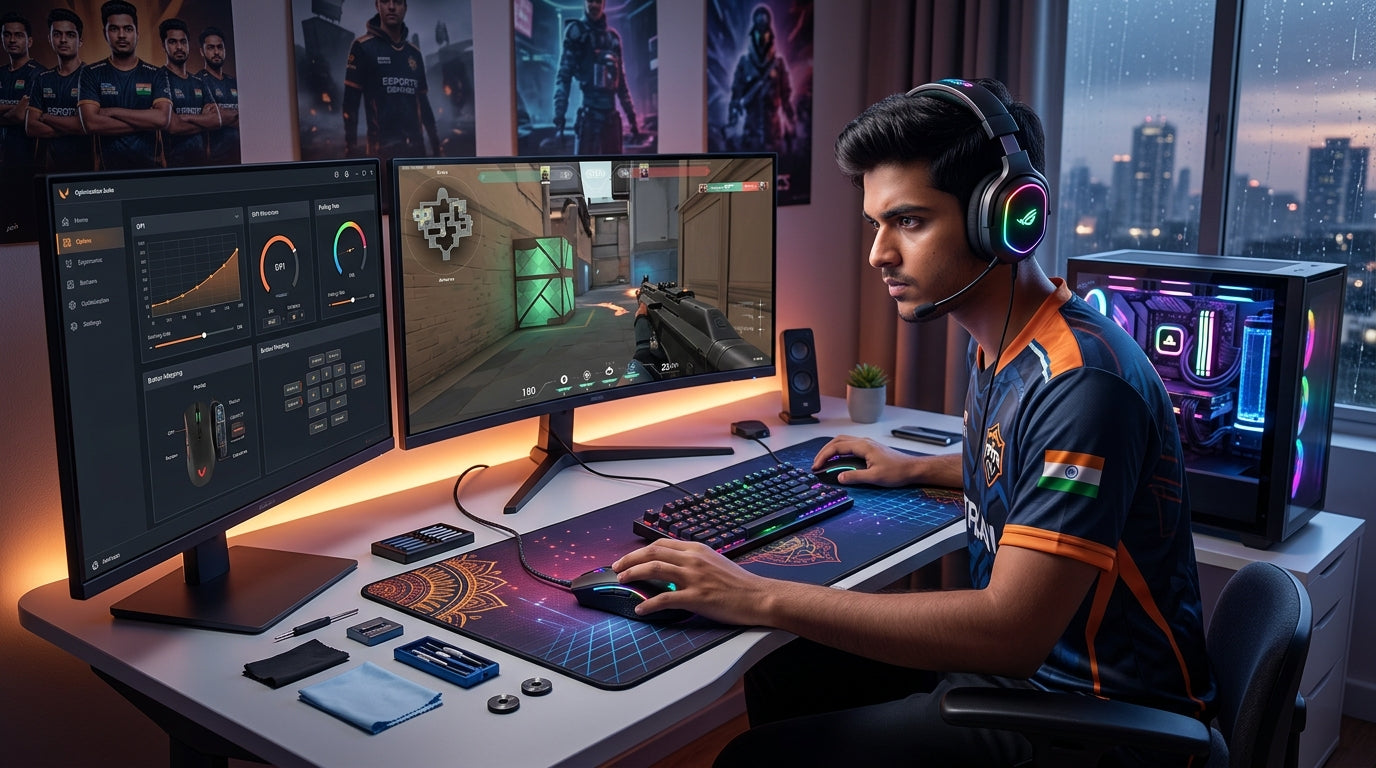
In India's rapidly expanding esports landscape and with demanding new game releases on the horizon, competitive success hinges on more than just raw skill. Your peripherals are a direct extension of your intent, translating every click and movement into in-game action. This guide helps Indian PC gamers strategically optimize their setup for peak performance, ensuring every investment delivers a tangible competitive edge and immersive experience.
The Foundation: Why Optimized Peripherals Define Victory
- Peripherals are your direct interface to the game world, impacting reaction times and precision.
- High-quality gear reduces input lag, providing a crucial advantage in fast-paced titles.
- Ergonomic designs prevent fatigue, allowing sustained focus during intense gaming sessions.
- Clear audio and communication enhance team coordination and situational awareness.
- Strategic optimization ensures your hardware never limits your skill ceiling.
- Investing wisely now future-proofs your setup for upcoming competitive challenges.
Precision Input: Mastering Your Gaming Keyboard
- Mechanical Switches: Offer superior tactile feedback, consistent actuation, and durability over membrane keyboards.
- Choose switches based on preference: linear for speed, tactile for feedback, clicky for auditory confirmation.
- Anti-Ghosting & N-Key Rollover (NKRO): Essential features ensuring every keypress registers, even during complex commands.
- A high polling rate (e.g., 1000Hz) minimizes input delay for instant response.
- Consider form factor: full-size for productivity, TKL or compact for more mouse space and portability.
- Robust build quality and durable keycaps (like double-shot) withstand intense gaming.
- Programmable macros can streamline complex actions, offering a competitive edge in specific titles.
Apex Aim: Selecting Your Competitive Gaming Mouse
- High-Performance Sensor: Opt for a modern optical sensor (like PixArt PAW3370 or newer) for pixel-perfect tracking without acceleration or prediction.
- DPI/CPI Range: While high DPI numbers look good, focus on a comfortable range (400-1600 DPI) for competitive accuracy.
- Polling Rate: A 1000Hz polling rate ensures the mouse reports its position to your PC 1000 times per second, reducing latency.
- Weight and Balance: Lighter mice (under 80g) offer quicker flicks and less fatigue, but personal preference is key.
- Grip Style: Match mouse shape to your grip (palm, claw, fingertip) for maximum comfort and control.
- Durable Switches: Ensure the left and right click buttons use high-quality switches (e.g., Omron) for longevity and consistent feel.
- Programmable buttons offer quick access to in-game commands or utilities.
Sonic Superiority: Dominating with a Gaming Headset
- Positional Audio: Crucial for identifying enemy footsteps, gunfire, and ability cues in competitive games.
- Look for headsets with large, quality drivers (e.g., 50mm neodymium) for clear sound reproduction.
- Microphone Quality: A clear, noise-cancelling microphone is vital for effective team communication without distractions.
- Comfort and Fit: Lightweight design, breathable earcups, and adjustable headbands ensure long-session comfort.
- Soundstage: A wider soundstage helps in accurately pinpointing audio sources in a 3D space.
- Wired connections often provide superior sound quality and zero latency compared to wireless options.
- Closed-back designs offer better noise isolation, immersing you fully in the game.
Strategic Setup & Future-Proofing Your Edge
- Ergonomics: Position your monitor, keyboard, and mouse to maintain proper posture and reduce strain.
- Cable Management: Neatly routed cables prevent snags and maintain a clean, distraction-free environment.
- Driver & Software Updates: Keep peripheral drivers updated for optimal performance and access to new features.
- Calibration: Fine-tune DPI, sensitivity, and audio settings within game and peripheral software.
- Consistent Practice: Regularly test your setup in-game to identify areas for improvement.
- Invest in peripherals that offer durability and a good warranty, ensuring long-term value.
- Consider modularity or software customization for adaptability to future game releases and play styles.
Top Recommended Picks

Keyboard
- 104-key full-size
- 26-key anti-ghosting + N-Key rollover
- RGB rainbow + side lights
- dedicated volume knob
- magnetic palm rest
- detachable braided Type-C cable
- dedicated ₹ key
- double-shot keycaps
- 1-year warranty

Keyboard
- 96% compact layout with numpad
- 18+ RGB lighting modes
- software macro customization
- multimedia knob
- high-grade ABS build
- multi-device switching
- software downloadable
Final Thoughts
Dominating India's competitive PC gaming scene in 2026 requires more than raw talent; it demands a meticulously optimized peripheral setup. By focusing on precision, responsiveness, and immersive audio, you transform your hardware into a true extension of your skill. VerityVerse is committed to empowering Indian gamers with peripherals that provide this crucial victory edge, ensuring every rupee invested translates into unmatched in-game advantage.
Share:
Maximize Your Rupee: Building a High-Performance Budget PC Gaming Setup in India (2026)
Build Your Ultimate Gaming Ecosystem: Personalized Peripherals for Comfort & Victory in India (2026)