

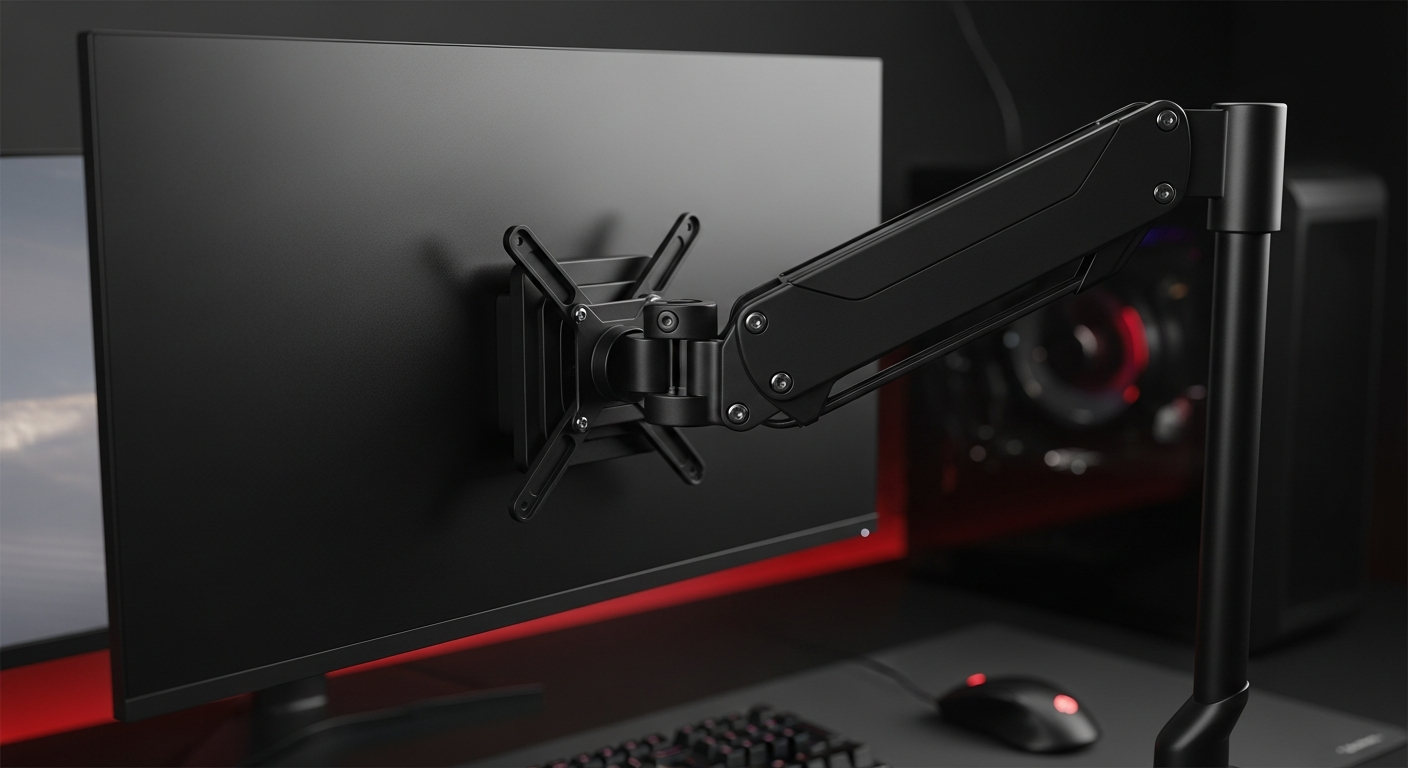
A monitor arm is an essential upgrade for any modern desk, offering superior ergonomics, increased desk space, and flexible display positioning to enhance both gaming and productivity.
Table of Contents
From sophisticated robotic camera arms in new smartphones to the stunning OLED displays of laptops like the Lenovo Yoga Slim 7x Gen 11, innovative tech constantly evolves. Yet, an often-overlooked peripheral dramatically enhances how we truly experience these advancements: the monitor arm. It's a fundamental upgrade for anyone serious about ergonomics, efficiency, and maximizing their desk setup.
Why a Monitor Arm is Essential
Upgrade your computing experience with tangible benefits far beyond a standard monitor stand.
- Superior Ergonomics:Precisely position your screen at eye level, reducing neck strain and improving posture for long gaming or work sessions.
- Maximized Desk Space:Lift your monitor off its bulky base, freeing valuable desk real estate for peripherals, notes, and a cleaner, more organized workspace.
- Dynamic Adjustability:Effortlessly tilt, swivel, rotate (portrait/landscape), and adjust height for the perfect viewing angle for any task or collaboration.
- Enhanced Gaming Immersion:Achieve optimal field of view and reduce eye strain for deeper immersion and competitive edge in games.
- Improved Aesthetics & Airflow:A sleek, elevated monitor not only looks professional but can also aid in better air circulation around your setup.
Choosing Your Perfect Monitor Arm
Selecting the right arm ensures stability, compatibility, and desired motion.
- VESA Compatibility:Crucial. Ensure your monitor has VESA mounting holes (75x75mm or 100x100mm) and the arm matches.
- Weight & Size Capacity:Verify the arm safely supports your monitor's weight (without its stand) and is rated for its screen size.
- Mounting Type:Choose between Clamp (easiest, attaches to desk edge), Grommet (cleaner, more stable, uses a desk hole), or Wall Mount (maximizes desk space, permanent).
- Adjustability Mechanism:Gas spring arms offer fluid, tool-less adjustments. Mechanical arms are budget-friendly but require more effort to reposition.
- Cable Management:Look for integrated channels or clips to keep cables tidy and out of sight for a professional finish.
Optimizing Multi-Monitor Setups
Whether for work or play, monitor arms scale to your needs.
- Single Monitor Arms:Ideal for optimizing one primary display, reclaiming space, and improving ergonomics for focused tasks or gaming.
- Dual Monitor Arms:Perfect for multitasking, content creation, or immersive side-by-side gaming, offering extended screen real estate.
- Multi-Monitor Arms (Triple+):For power users, streamers, or simulators, creating expansive, seamless visual environments that boost productivity and immersion.
- Customizable Layouts:Combine different monitor sizes or orientations (e.g., ultrawide with a vertical secondary) for specialized workflows.
Installation & Care Tips
Ensure longevity and optimal performance with these guidelines:
- Follow Instructions:Always adhere strictly to the manufacturer's installation guide for safe, secure mounting.
- Assess Desk Stability:Confirm your desk can support the arm and monitor(s) weight, especially for clamp mounts. Use reinforcing plates if provided.
- Route Cables Neatly:Utilize integrated cable management features to keep all wires tidy, preventing snags and maintaining a clean look.
- Periodic Checks:Occasionally tighten all screws and tension settings to maintain stability and desired arm position.
- Keep it Clean:Regularly wipe down the arm with a soft cloth to prevent dust and ensure smooth operation.
Frequently Asked Questions
+ Are monitor arms universal?
No. Arms require VESA-compatible monitors and must match your monitor's weight and screen size. Always check specs.
+ Will a monitor arm damage my desk?
Properly installed clamp mounts are safe. Use protective pads. Grommet mounts offer superior stability.
+ Can I use a monitor arm with a laptop?
Yes, with a separate VESA-compatible laptop tray accessory, allowing ergonomic positioning.
+ Gas spring vs. mechanical arm?
Gas spring offers smoother, easier, tool-less adjustments. Mechanical is budget-friendly but requires more effort.
+ What is VESA compatibility?
VESA is a standard for monitor mounting hole patterns (e.g., 75x75mm) that the arm's plate must match.
Final Thoughts
Investing in a quality monitor arm is more than a peripheral upgrade; it's a commitment to superior ergonomics, increased productivity, and a clutter-free, adaptable workspace. Unlock the full, dynamic potential of your display setup for years of comfortable and immersive computing.
Share:
Unleash Your Edge on a Budget: The Ultimate Guide to Value-for-Money Wired Gaming Headphones for Indian Gamers (2026)