

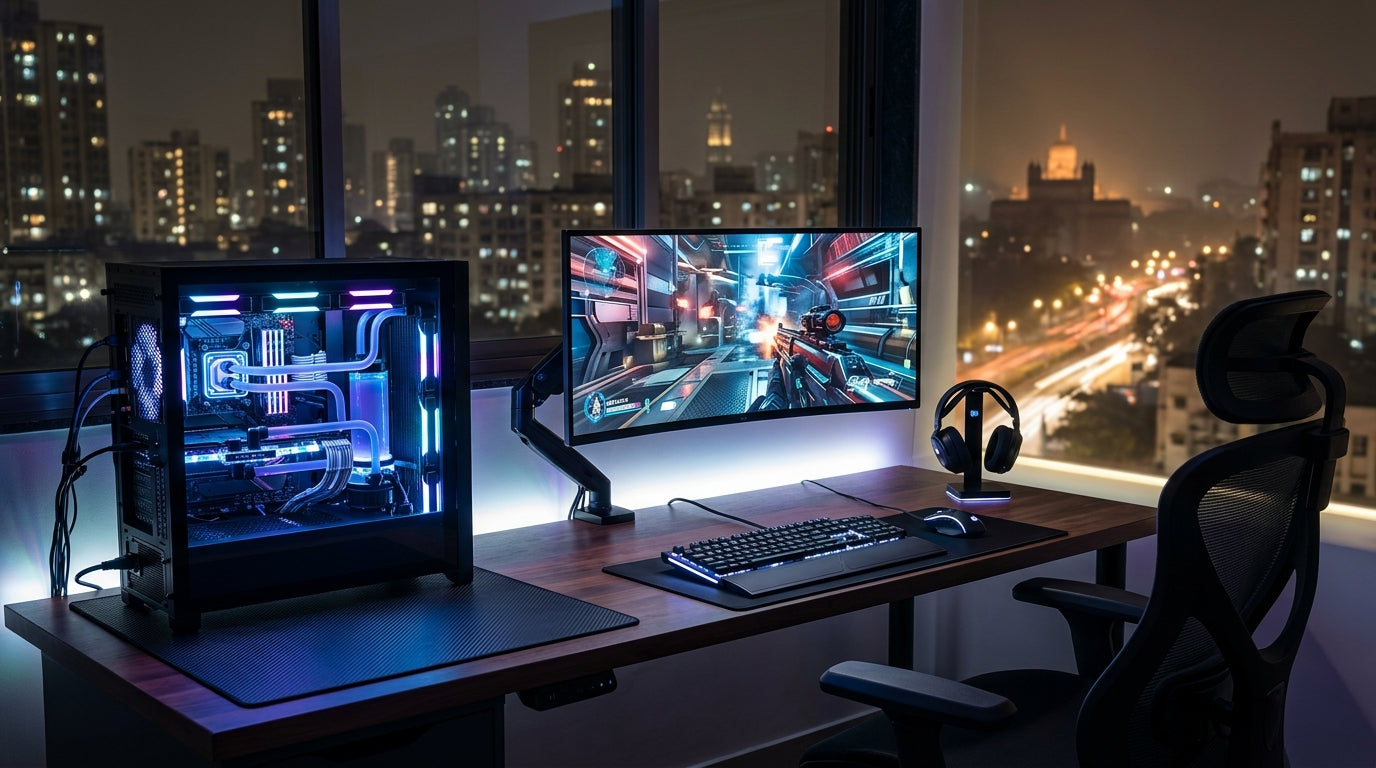
In 2026, the Indian PC gaming landscape is evolving rapidly. With advancements in 'Perfected Input' peripherals offering unparalleled precision and responsiveness, and potential shifts in PC component pricing, smart choices are more crucial than ever. This guide empowers you to build a competitive and immersive gaming setup, focusing on essential peripherals that deliver peak performance and value without breaking the bank.
The Core Pillars of Competitive Gaming Peripherals
- Precision Input: Every click and keystroke must register accurately and instantly, eliminating input lag.
- Lightning Responsiveness: Your peripherals should translate your actions to the game with minimal delay.
- Crystal-Clear Audio: Positional audio and clear communication are vital for situational awareness and team play.
- Ergonomics & Comfort: Long gaming sessions demand peripherals that reduce fatigue and prevent strain.
- Durability & Value: Invest in gear built to last, offering performance that justifies its price.
- Strategic Selection: Don't chase trends; choose peripherals that genuinely enhance your gameplay and fit your budget.
Precision Input: Keyboards for the Indian Gamer
- Mechanical Keyboards are King: Superior tactile feedback and durability compared to membrane keyboards.
- Switch Type Matters: While not all mechanical switches are equal, focus on a comfortable and responsive actuation point.
- Anti-Ghosting & N-Key Rollover: Essential features ensuring every simultaneous key press is registered.
- Wired vs. Wireless: Wired offers zero-latency for competitive play; quality wireless options provide freedom with minimal latency.
- Layout Preference: Full-size for productivity, TKL or compact for more mouse space and portability.
- Build Quality: A sturdy build, often with double-shot keycaps, enhances durability and typing feel.
Pinpoint Accuracy: Choosing Your Gaming Mouse
- Sensor is Paramount: Opt for a high-quality optical sensor for consistent, accurate tracking without acceleration.
- DPI/CPI Range: While high DPI numbers are marketed, focus on a comfortable range (400-1600 DPI) for competitive play.
- Polling Rate: Aim for 1000Hz (1ms response time) for minimal input lag, crucial for fast-paced games.
- Weight & Balance: Lighter mice offer quicker flicks; personal preference for weight distribution is key.
- Ergonomics & Grip Style: Choose a mouse that fits your hand size and grip (palm, claw, fingertip) for comfort and control.
- Buttons & Customization: Programmable buttons can offer tactical advantages; reliable switches are a must.
Immersive Soundscape: Gaming Headphones that Deliver
- Soundstage & Imaging: Crucial for accurately pinpointing enemy footsteps and environmental cues.
- Frequency Response: A balanced profile is ideal; avoid overly bass-heavy headphones that muddy details.
- Microphone Quality: Clear communication with teammates is non-negotiable for competitive success.
- Comfort & Clamping Force: Over-ear designs with breathable earcups are best for long sessions.
- Wired vs. Wireless Audio: Wired connections offer the most reliable, zero-latency audio experience. Wireless provides convenience.
- Passive Noise Isolation: Helps block out distractions, allowing you to focus purely on in-game audio.
Optimizing Your Setup: Beyond the Hardware
- Driver & Software Updates: Keep your peripheral drivers updated for optimal performance and access to features.
- DPI & In-Game Sensitivity: Find your 'sweet spot' for mouse sensitivity; consistency is key across games.
- Keyboard Macros: Utilize software to create macros for complex commands, enhancing efficiency in certain titles.
- Audio Equalization: Fine-tune your headphone's EQ settings to highlight crucial in-game sounds.
- Ergonomic Posture: Adjust your chair, desk, and monitor height to maintain a comfortable and healthy posture.
- Cable Management: A tidy setup prevents snags and allows for unrestricted mouse movement, reducing frustration.
Top Recommended Picks

Keyboard
- 104-key full-size
- 26-key anti-ghosting + N-Key rollover
- RGB rainbow + side lights
- dedicated volume knob
- magnetic palm rest
- detachable braided Type-C cable
- dedicated ₹ key
- double-shot keycaps
- 1-year warranty

Keyboard
- 96% compact layout with numpad
- 18+ RGB lighting modes
- software macro customization
- multimedia knob
- high-grade ABS build
- multi-device switching
- software downloadable

Keyboard
- RGB backlight
- compact gaming layout
- anti-ghosting
- side light strips
Final Thoughts
Elevating your gaming experience in 2026 doesn't require overspending. By strategically selecting and fine-tuning essential peripherals – focusing on precision, responsiveness, and clear audio – Indian PC gamers can achieve a truly competitive edge and deeper immersion. Remember, a cohesive setup tailored to your needs is far more effective than a collection of random parts. Invest wisely, optimize thoroughly, and master your game.
Share:
Unlock Your Gaming Potential: Smart Peripherals for Peak Performance & Value in India
Maximize Your Rupee: Building a High-Performance Budget PC Gaming Setup in India (2026)