

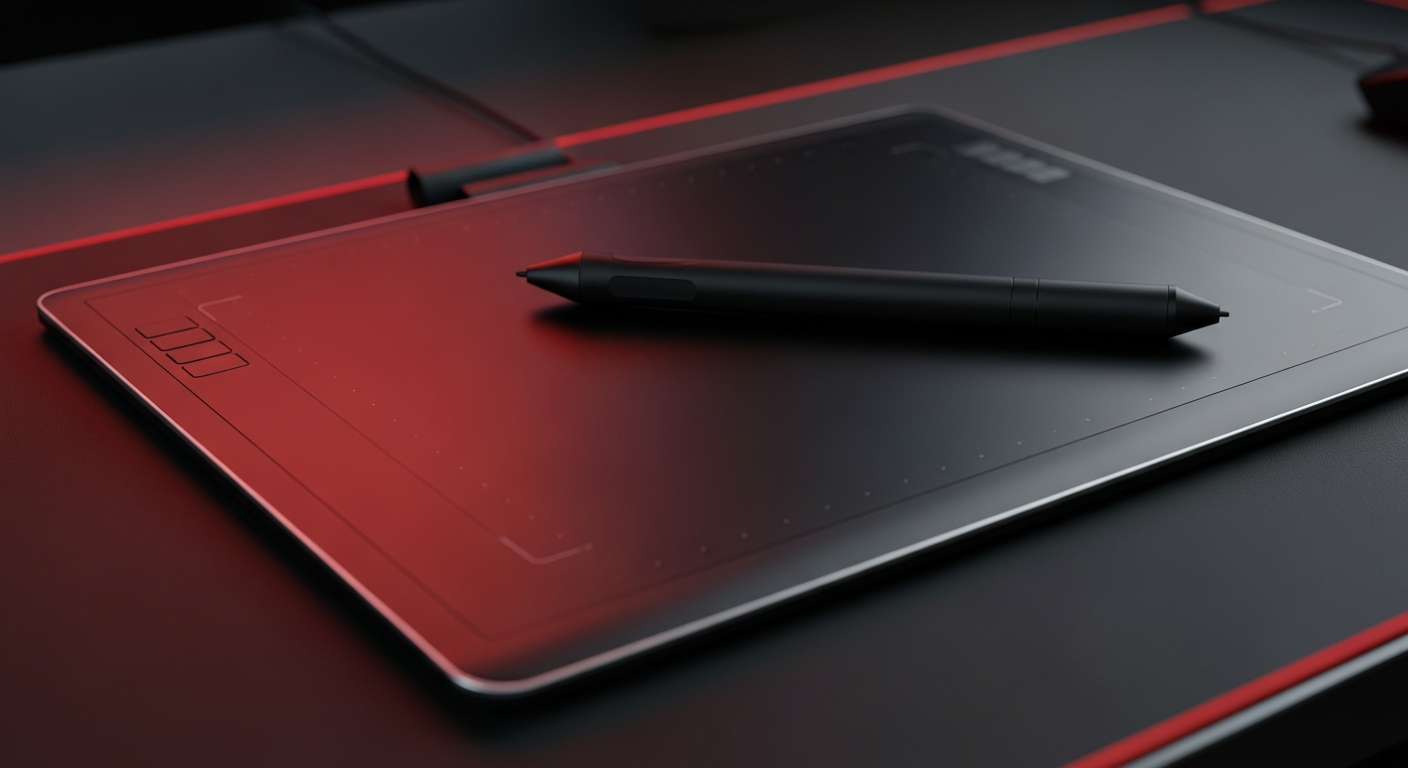
Drawing tablets are essential digital tools for artists and animators, offering precision and versatility crucial for professional game art, concept design, and dynamic animated content, as demonstrated by industry veterans and emerging creators alike.
Table of Contents
For creators shaping the visual landscapes of games and captivating animations, the drawing tablet is no longer a luxury but a fundamental tool. This guide dives into why this device is pivotal for digital artists worldwide, empowering everything from AAA game design to vibrant animated series.
The Creative Catalyst: What is a Drawing Tablet?
A drawing tablet, or graphics tablet, is an input device that allows users to hand-draw images, animations, and graphics with a special stylus, similar to drawing with a pen or pencil on paper.
It serves as the digital bridge between traditional art techniques and modern digital creation tools.
- Core Function:Converts hand movements and pressure from a stylus into digital input on a computer or standalone screen, offering far greater control than a mouse.
- Types Explored:Ranges from basic pen tablets that connect to a screen to advanced pen display tablets with integrated screens, and even hybrid solutions like dedicated drawing tablets or powerful iPads with stylus support.
- Digital Canvas:Provides a vast digital workspace for unlimited iterations and experimentation without the constraints or waste of physical media.
- Intuitive Interface:Designed to mimic the natural feel of traditional drawing, making the transition to digital art seamless for many artists.
Why Every Digital Artist Needs One
Embrace the tactile precision and fluid control that a drawing tablet brings to your digital canvas, fundamentally changing how you interact with creative software.
This tool is an indispensable asset for achieving professional-grade results and unlocking new artistic possibilities.
- Unparalleled Precision & Control:Unlike a mouse, the pressure-sensitive stylus mimics traditional art tools, allowing for varied line thickness, opacity, and texture with natural hand movements and tilt sensitivity.
- Enhanced Ergonomics & Comfort:Reduces wrist strain over long creative sessions compared to a mouse, promoting a more natural and intuitive drawing posture and preventing repetitive stress injuries.
- Accelerated Workflow & Efficiency:Programmable hotkeys on the tablet and stylus streamline access to frequently used tools, such as zoom, undo, or brush changes, speeding up your creative process significantly.
- Versatility Across Creative Fields:Essential for professional game artists, concept designers, illustrators, and animators, enabling the creation of everything from detailed character models to immersive environmental art.
- Portability for On-the-Go Creativity:Compact pen tablets and standalone pen displays offer the flexibility to create anywhere, addressing challenges like inconsistent power and allowing continuous work, as observed with animators balancing school and content creation.
Key Features for Aspiring & Pro Artists
Selecting the right drawing tablet involves understanding its core specifications that directly impact your creative output and user experience.
Prioritize features that align with your artistic needs and budget for the best investment.
- Pressure Sensitivity (Levels):A higher number (e.g., 8192 levels) translates to finer control over line weight and opacity, crucial for expressive strokes and nuanced shading.
- Active Area Size:Choose a size that complements your drawing style and desk space; larger areas offer more freedom of movement, while smaller ones are more portable.
- Resolution (LPI - Lines Per Inch):A higher LPI indicates greater accuracy in capturing pen movements, resulting in smoother lines and more detailed work.
- Connectivity Options:Modern tablets offer USB-C for reliable wired connections or Bluetooth for wireless convenience, allowing for flexible setup.
- Programmable ExpressKeys:Customizable buttons on the tablet and stylus save time by providing quick access to essential shortcuts, minimizing keyboard reliance.
- Stylus Features:Look for a battery-free stylus with tilt support for realistic brush effects and an eraser on the back for quick corrections.
Powering Your Artistic Workflow: Software & Use Cases
Drawing tablets seamlessly integrate with a wide array of professional and accessible creative software, becoming the core of a digital artist's toolkit.
Their versatility supports diverse applications, from high-fidelity game art to engaging animated shorts.
- Industry-Standard Software:Fully compatible with powerful programs like Adobe Photoshop and Clip Studio Paint, the preferred tools for artists such as Justice Wong, known for his work on Dark Souls and League of Legends.
- Animation & Character Design:Ideal for creating dynamic characters and evocative scenes, facilitating the detailed frame-by-frame work required in animation, as seen with Nigerian animators using platforms like FlipaClip.
- Concept Art & Illustration:Essential for bringing complex ideas to life, from initial sketches of fantastical creatures and cyber-armored warriors to polished final illustrations for games and media.
- Seamless Integration:Modern tablets offer drivers that ensure optimal performance and compatibility across various operating systems and creative applications, providing a stable foundation for your work.
- Affordable Creativity:Even entry-level tablets can significantly enhance the creative process for digital comics and animations, making digital art more accessible to self-taught artists and students alike.
Beyond the Canvas: Real-World Impact
The influence of drawing tablets extends far beyond individual artists, shaping entire industries and democratizing creative expression globally.
These devices are at the heart of innovative storytelling and visual communication.
- Shaping Gaming Worlds:Professionals like Justice Wong leverage tablets to design iconic characters and environments for blockbuster titles, demonstrating their critical role in game development.
- Fueling Animation Growth:In burgeoning industries, such as Nigerian animation, tablets enable creators to build compelling narratives rooted in local folklore and humor, reaching global audiences.
- Empowering Self-Taught Artists:The accessibility of drawing tablets allows aspiring artists to develop professional skills and build impressive portfolios without traditional schooling.
- Bridging Traditional & Digital:Artists can blend the organic feel of drawing with the power of digital editing, leading to unique and innovative art styles.
- Global Creative Reach:With a drawing tablet, artists can create and share their visions internationally, fostering diverse artistic communities and influencing cultural landscapes.
Frequently Asked Questions
+ Is a drawing tablet hard to learn?
While it requires some practice to get accustomed to the hand-eye coordination (especially with screenless tablets), basic drawing is intuitive, and mastering advanced features comes with consistent use.
+ Can I use a drawing tablet for more than just drawing?
Absolutely! Drawing tablets are excellent for photo editing, graphic design, 3D modeling, digital sculpting, and even precise document annotation or note-taking, making them highly versatile tools.
Final Thoughts
Whether you're crafting fantasy realms for gaming or vibrant animated characters that tell unique stories, a drawing tablet is your gateway to unparalleled digital creativity. Invest in the right one at VerityVerse to elevate your artistic journey and bring your boldest visions to life with precision and passion.
Share:
Untethered Victory: How to Choose the Best Wireless Gaming Headphones in India (2026)
Unleash Blazing Speed: The Ultimate Guide to Magnetic Switch Keyboards for Indian Gamers