

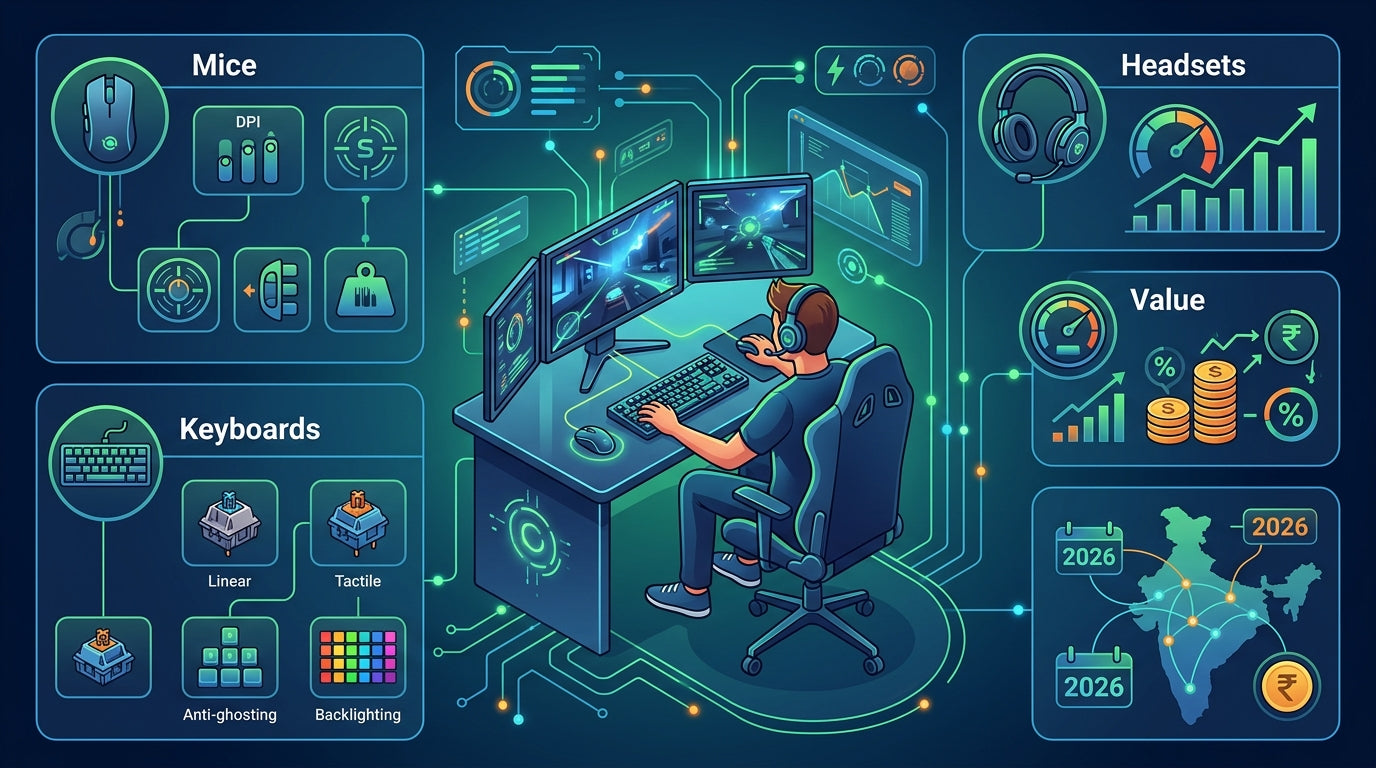
In India's dynamic PC gaming landscape, rising component costs make every investment critical. Maximizing the performance and longevity of your essential peripherals isn't just smart; it's vital for a competitive edge and immersive experience. This guide will help you strategically optimize your keyboard, mouse, headphones, and even your CPU cooler to ensure peak performance and lasting value, future-proofing your setup for 2026 and beyond.
Keyboard Optimization: Precision & Durability
- Choose mechanical keyboards for superior tactile feedback and longevity.
- Select switch types (linear, tactile, clicky) based on your gaming style and preference.
- Ensure anti-ghosting and N-Key rollover for accurate simultaneous key presses.
- Utilize software for macro customization and remapping frequently used keys.
- Regularly clean keycaps and underneath to prevent dust buildup and stickiness.
- Consider durable keycap materials like PBT for resistance against wear and shine.
- Invest in a keyboard with a sturdy build quality to withstand intense gaming sessions.
Mouse Optimization: Accuracy & Responsiveness
- Find a mouse that fits your grip style (palm, claw, fingertip) comfortably.
- Adjust DPI (Dots Per Inch) settings to match your screen resolution and in-game sensitivity.
- Set a high polling rate (e.g., 1000Hz) for maximum responsiveness and minimal lag.
- Invest in a quality mousepad that complements your mouse's sensor and glide preferences.
- Keep your mouse sensor and mousepad clean for consistent tracking accuracy.
- Utilize software for programmable buttons to create custom shortcuts or macros.
- Consider mice with durable switches and braided cables for extended lifespan.
Headphone Optimization: Immersive Audio & Communication
- Prioritize headphones with a wide soundstage for better positional audio in games.
- Choose comfortable ear cup materials and adjustable headbands for long gaming sessions.
- Ensure clear microphone quality for effective team communication.
- Adjust in-game audio settings and equalize sound profiles for specific games.
- Maintain clean earpads and store headphones properly to prevent wear and tear.
- Consider open-back headphones for wider soundstage, or closed-back for better isolation.
- Check for durable cable connections or consider wireless options with low latency.
CPU Cooler Efficiency: Maintaining Core Performance
- Ensure your CPU cooler is adequately sized for your processor's TDP (Thermal Design Power).
- Regularly clean dust from heatsinks and fans to maintain optimal airflow.
- Inspect and reapply thermal paste every few years for efficient heat transfer.
- Monitor CPU temperatures during gaming sessions using software to prevent throttling.
- Optimize fan curves in your BIOS or through software for a balance of cooling and noise.
- Proper cable management improves internal airflow, aiding overall system cooling.
- Consider upgrading to a more efficient air cooler or AIO liquid cooler if temperatures run high.
General Maintenance & Longevity Tips for Peripherals
- Keep your gaming area clean, free from dust, food particles, and liquids.
- Handle cables with care to prevent fraying and internal damage.
- Store peripherals away from direct sunlight or extreme temperatures.
- Invest in quality surge protectors to protect against power fluctuations.
- Update peripheral drivers regularly for optimal performance and compatibility.
- Use manufacturer-recommended cleaning agents or methods for specific materials.
- Consider warranties and customer support when making purchasing decisions for peace of mind.
Top Recommended Picks

Keyboard
- 104-key full-size
- 26-key anti-ghosting + N-Key rollover
- RGB rainbow + side lights
- dedicated volume knob
- magnetic palm rest
- detachable braided Type-C cable
- dedicated ₹ key
- double-shot keycaps
- 1-year warranty

Keyboard
- 96% compact layout with numpad
- 18+ RGB lighting modes
- software macro customization
- multimedia knob
- high-grade ABS build
- multi-device switching
- software downloadable
Final Thoughts
In India's evolving PC gaming market, where every rupee counts, optimizing your peripherals is crucial. By making informed choices, maintaining your gear diligently, and strategically utilizing features, you can significantly enhance your gaming performance and extend the lifespan of your setup. Embrace these practices to future-proof your play and ensure maximum value from your gaming investments.
Share:
Build Your Ultimate Gaming Ecosystem: Personalized Peripherals for Comfort & Victory in India (2026)
Victory Synergy: Optimizing Your PC Gaming Peripherals for Precision & Esports Dominance in India (2026)